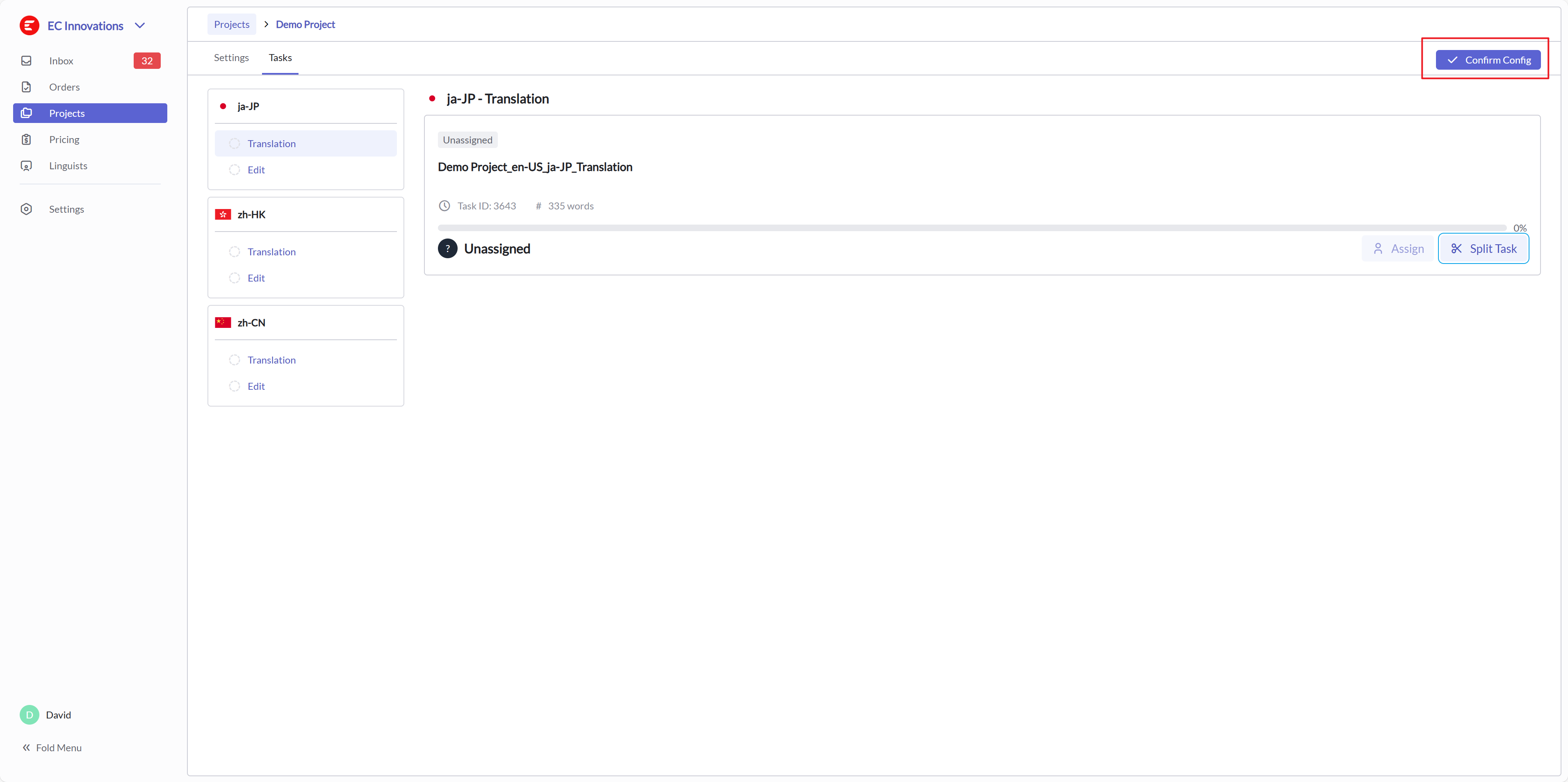
Project Settings
Go to the Project list and enter the Project derived from the order. 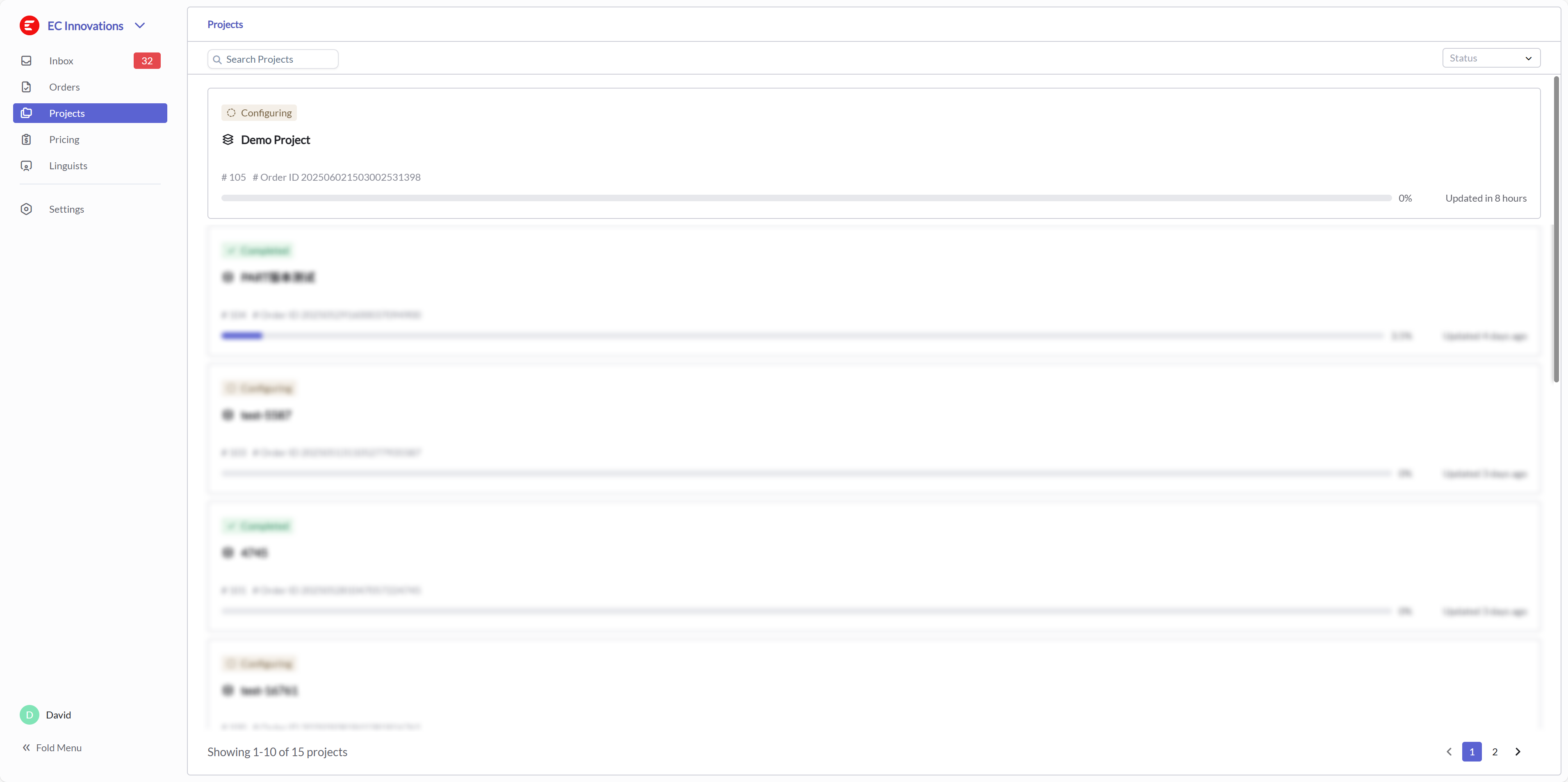
Workflow
On the Project Settings page, click the Workflow edit button to adjust the project's Workflow. 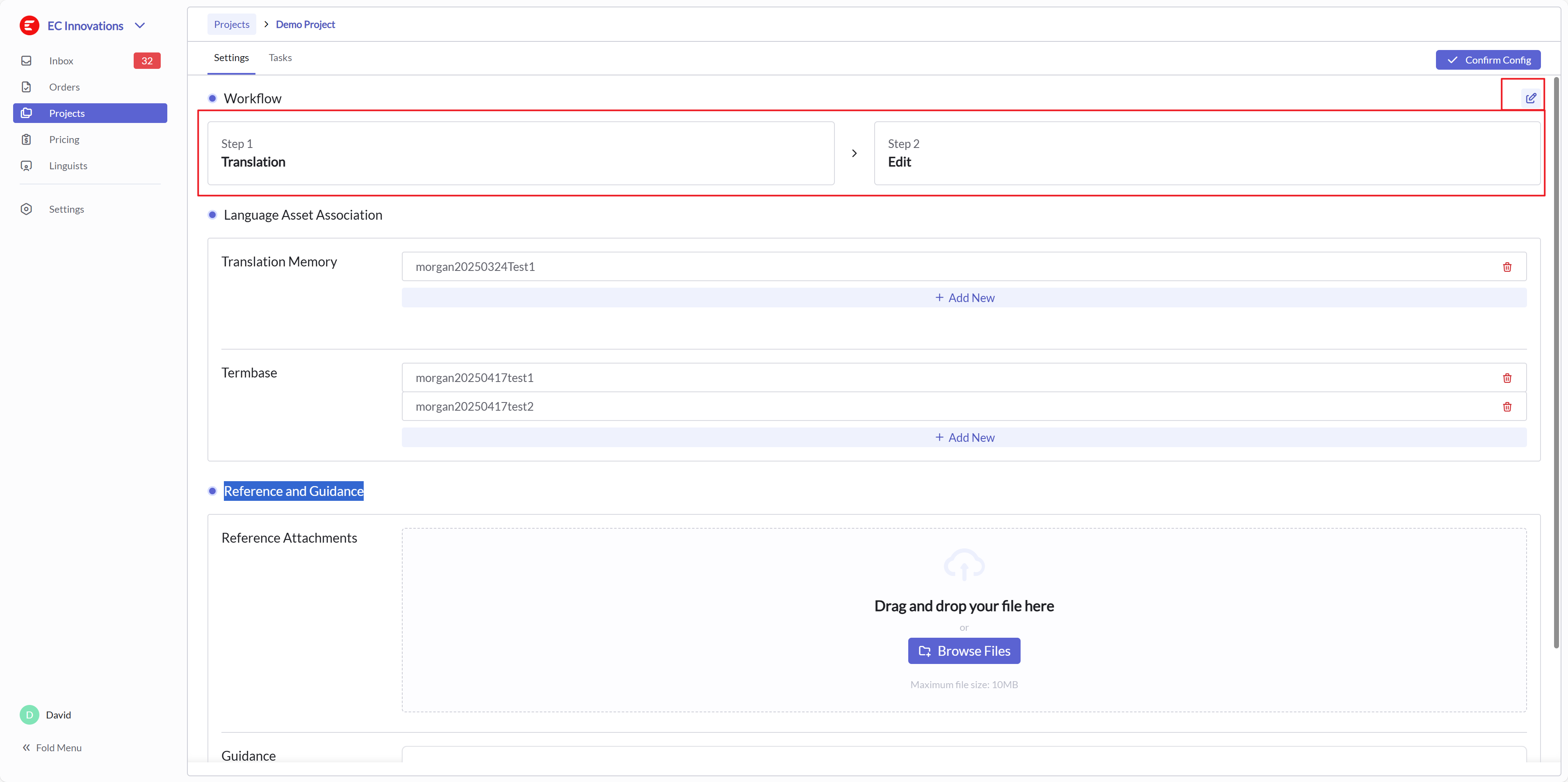
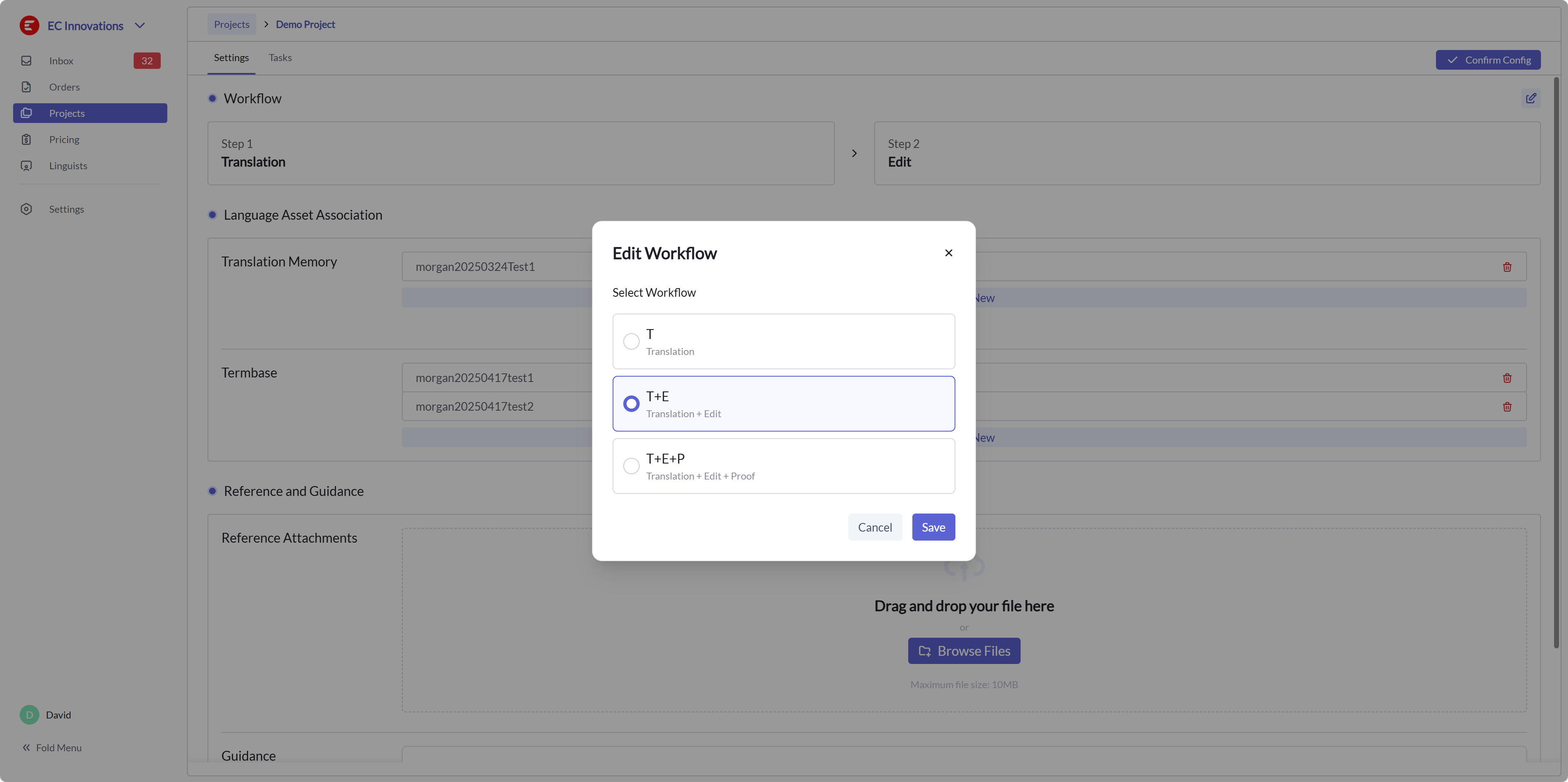
Language Asset Association
On the Project Settings page, in the Language Asset Association area, set the language assets required for the project. 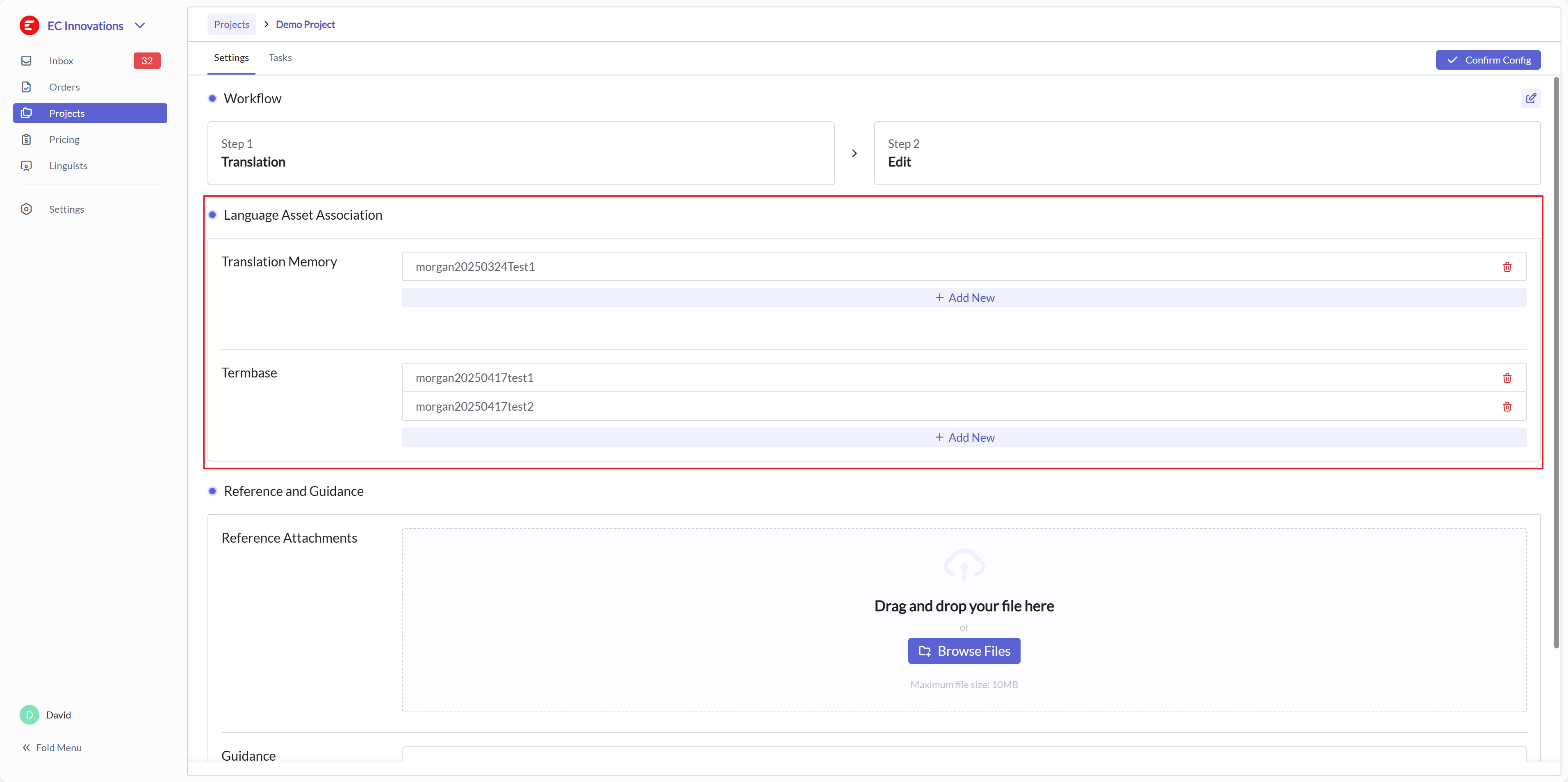
Task Settings
Switch to the Task page to see the Task list generated according to the Workflow settings. When the Workflow settings change, the Task list will also change. For the Task list, you can split tasks according to your needs. 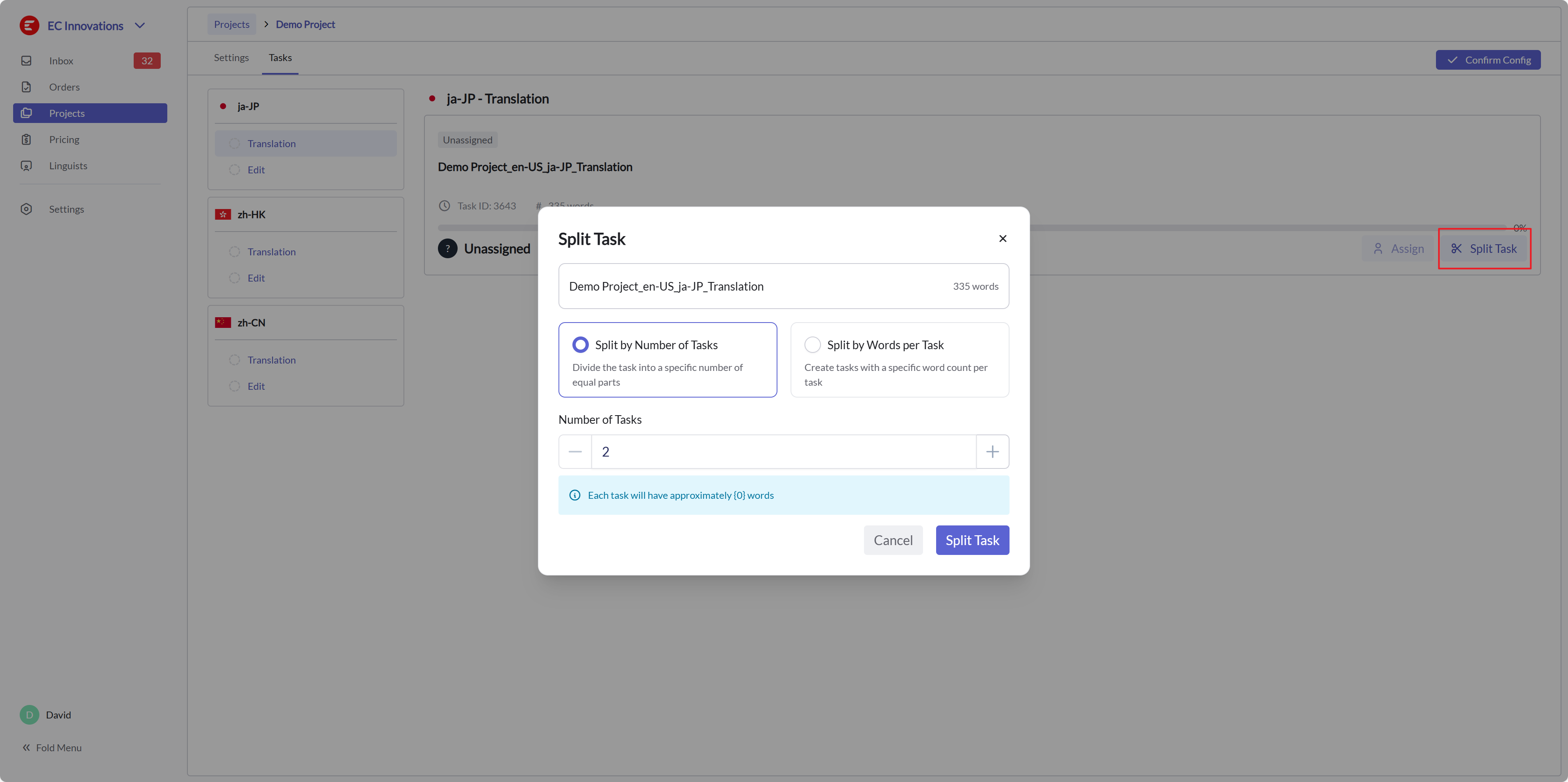
Confirm Config
After confirming the project settings, click Confirm Config to proceed with the localization process.