Workspace
Overview
The workspace is the main component of the platform. It is the place where you can create, edit, and manage your projects. Every workspace is independent, allowing you to set different collaborating members and handle different production line projects. You can customize each workspace according to specific team needs and project requirements.
Create Workspace
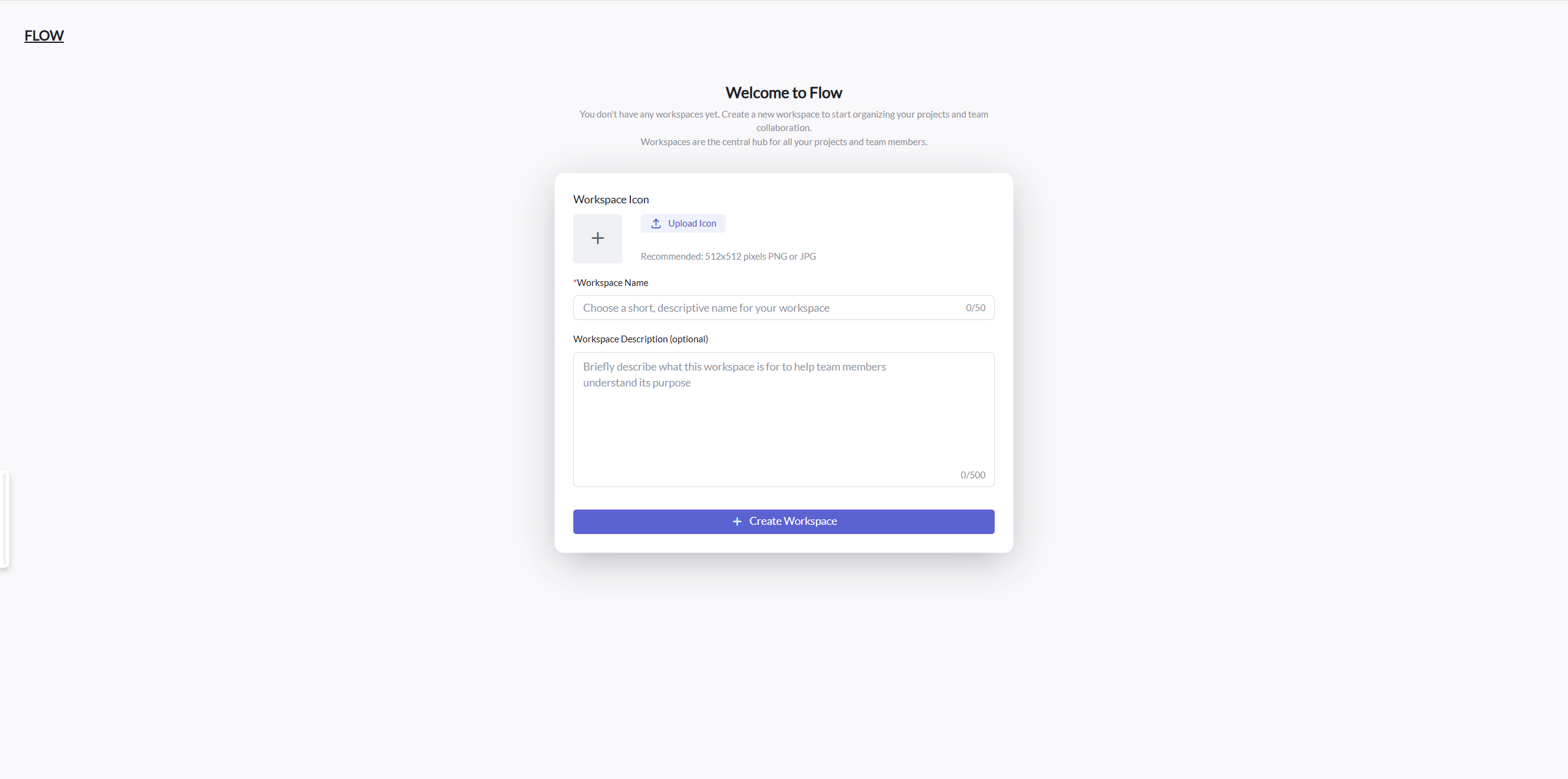
When you first login to the platform, you will be redirected to the workspace. If you don't have a workspace, you will be prompted to create one.
Workspace List and Switch
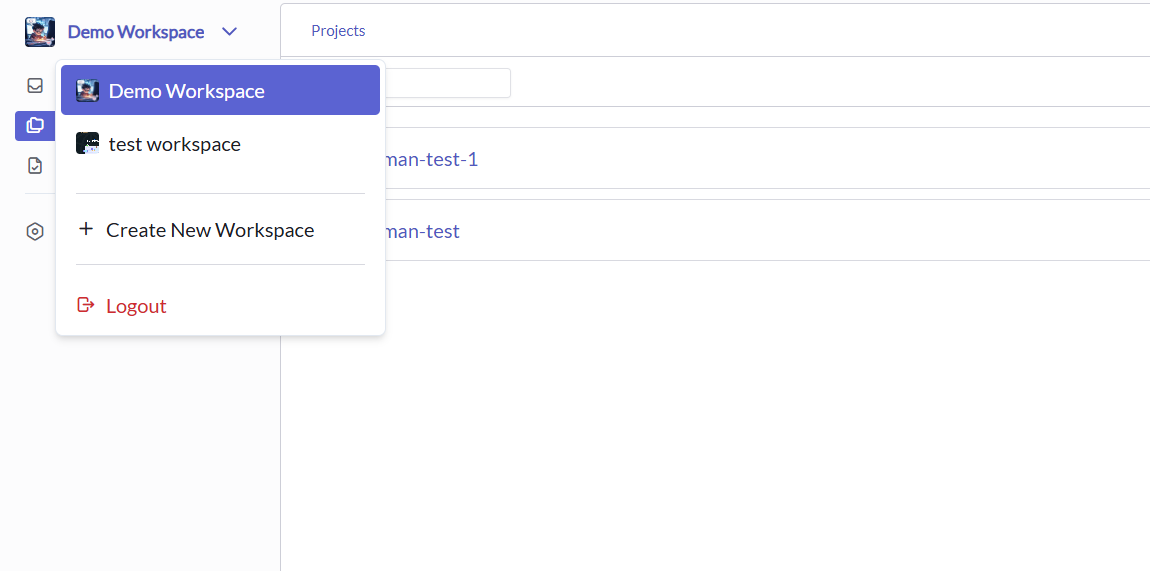
You can switch between workspaces by clicking the workspace name in the top left corner.
Workspace Settings
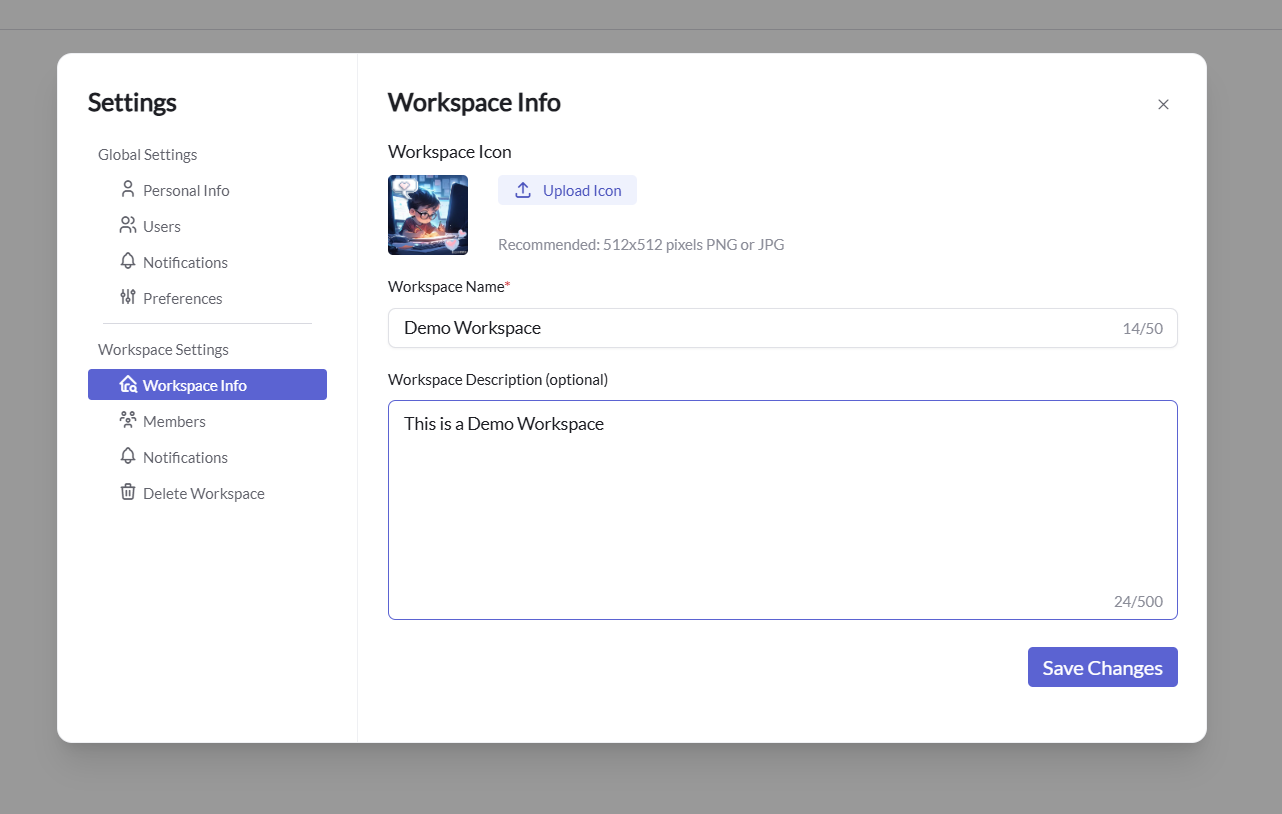
Change Workspace Info
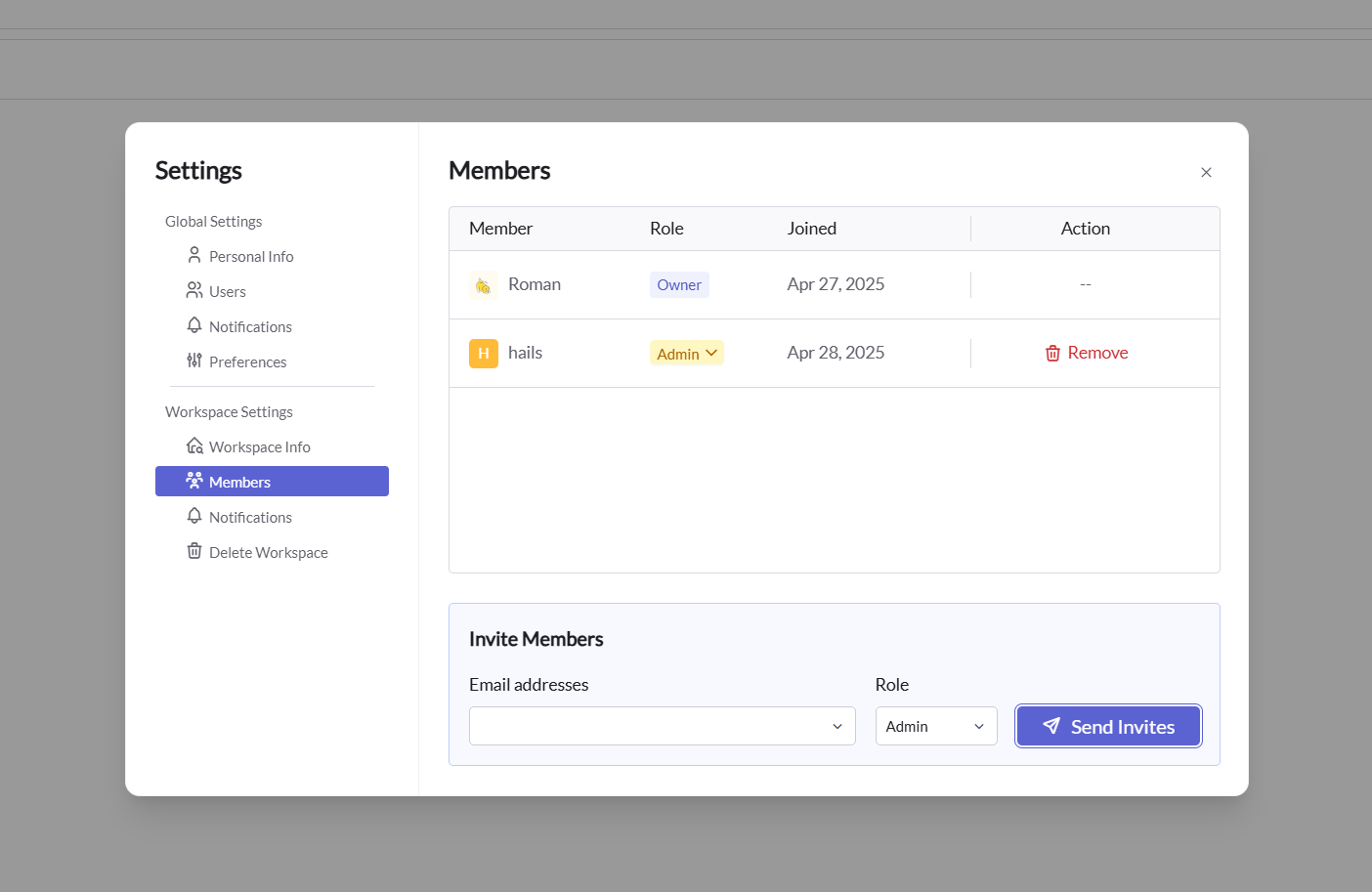
Setting Workspace Members
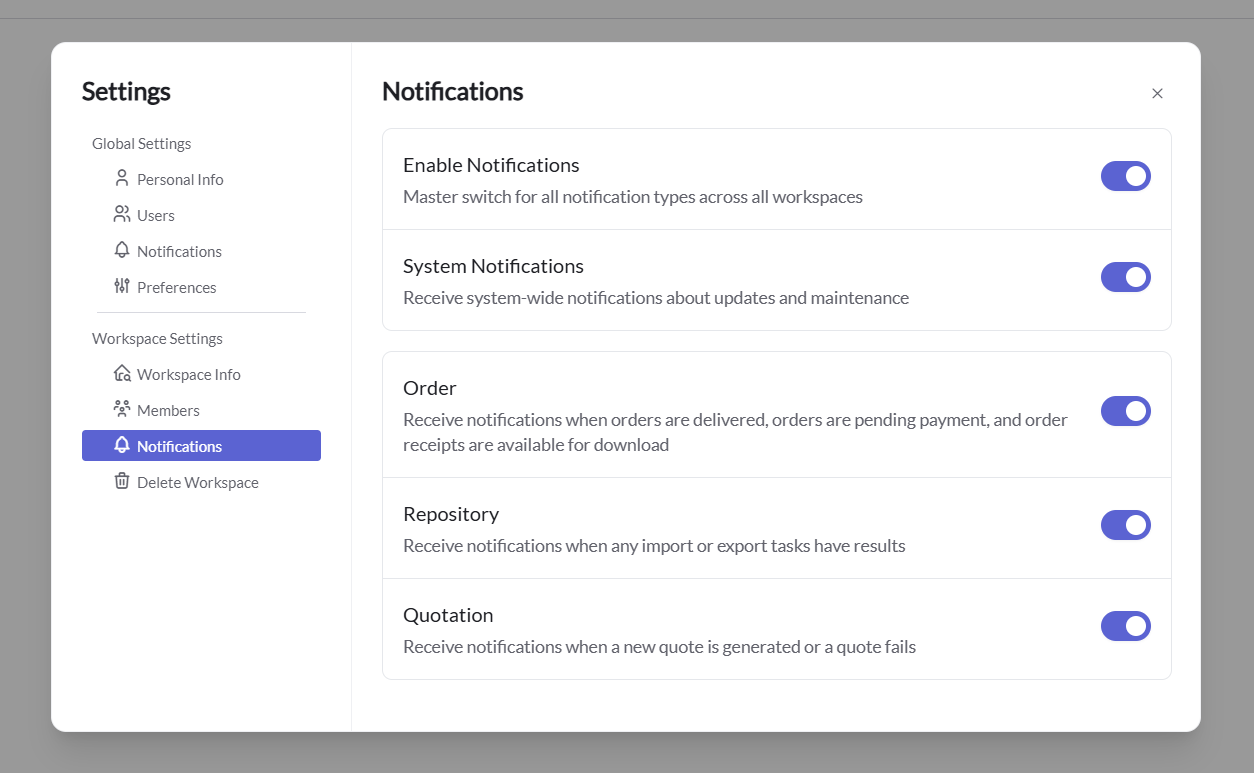
Notification Settings
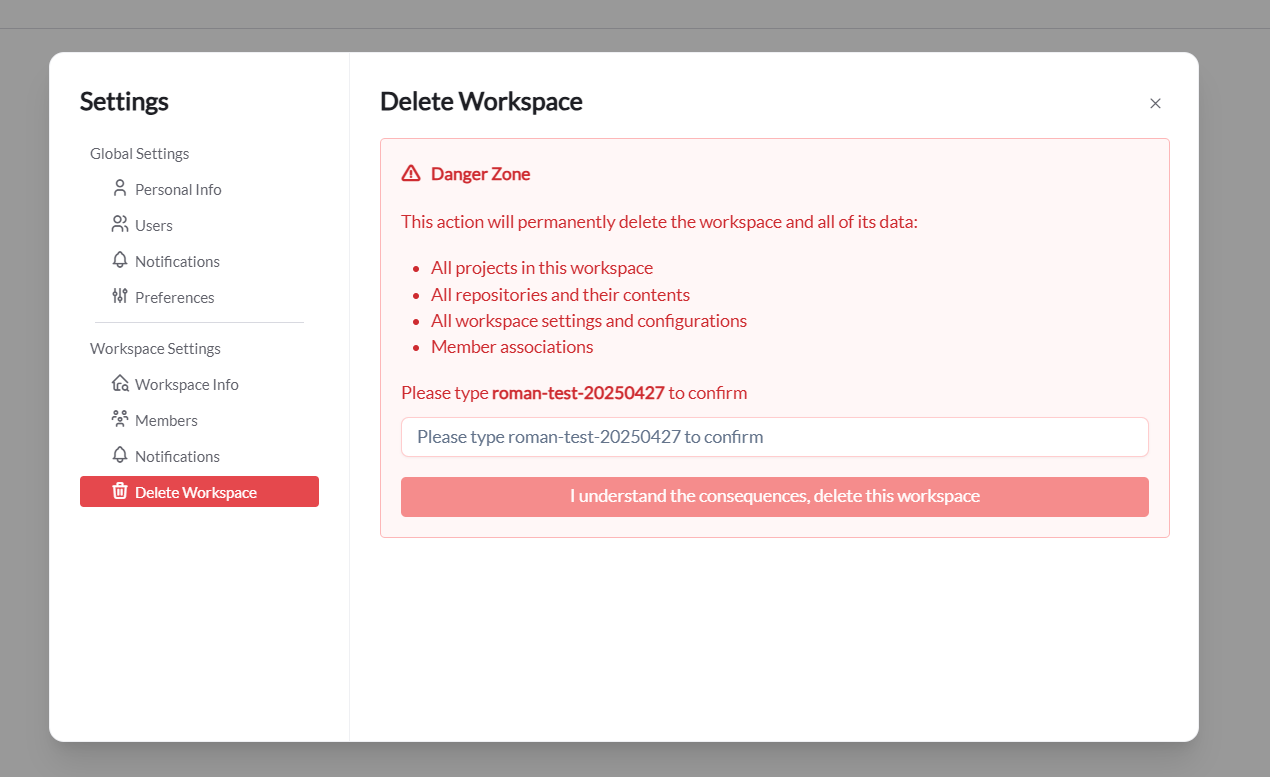
Delete Workspace
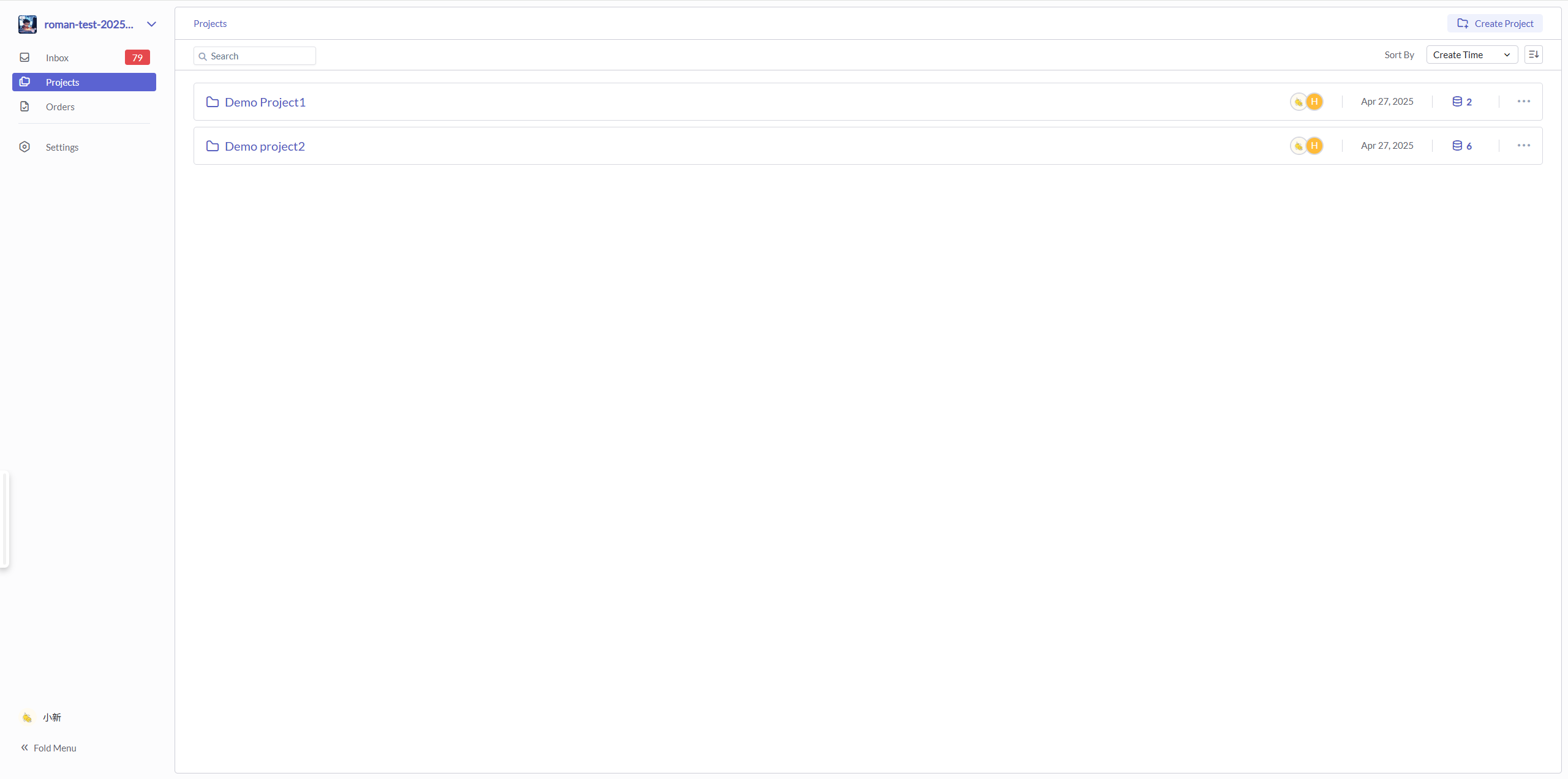
Manage Projects
In the workspace, you can manage your projects.
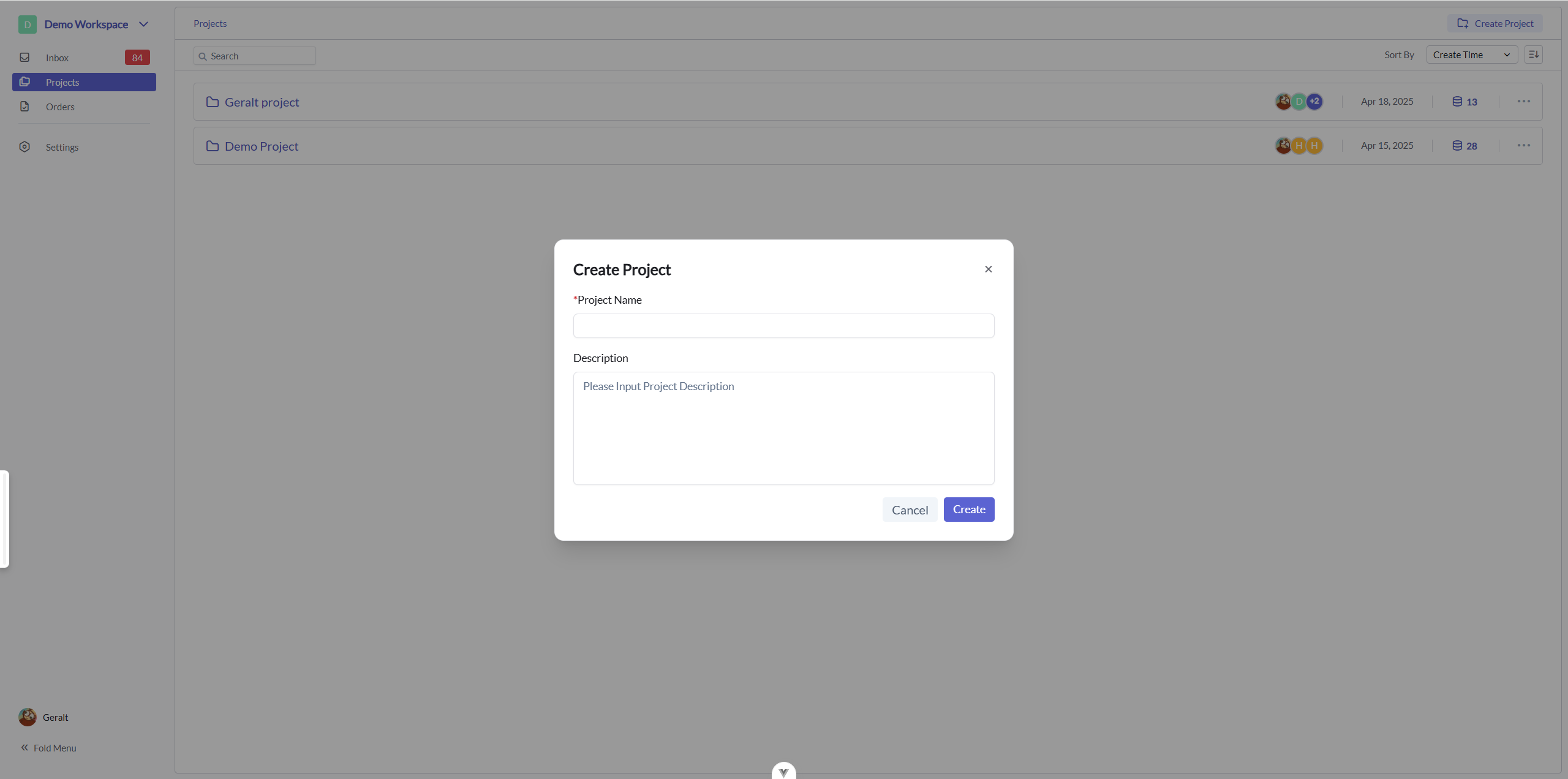
You can create a new project by clicking the "Create Project" button.
Permission System
Workspace Management
The workspace is the top-level organizational structure in the Flow system. Each workspace can contain multiple projects, and each workspace operates independently. All subsequent permission controls are based on permissions within the workspace. Workspace permission management is handled separately.
Workspace operations include:
- Create workspace
- Query workspace list
- Delete workspace
- Update workspace information
- Set workspace administrators
- Set workspace members
- Permission control
- Owner and workspace administrators can modify workspace information
- Transfer workspace (Owner change)
Permission Inheritance Strategy
Permission Inheritance Model
- Workspace: This is the highest level, typically defining user roles and permissions throughout the entire workspace. For example, administrators can manage all projects and users.
- Project: At the project level, users can be assigned different roles, such as administrator, editor, reader, etc. These roles determine the user's operational permissions within the project.
- Repository: Within a project, permissions can be further refined in individual repositories. For example, even if a user has read/write permissions at the project level, they might only be granted read permissions in a specific repository.
Permission Inheritance Rules
- Principle of Least Privilege: In the absence of explicitly set repository-level permissions, users inherit project-level permissions. If lower permissions are set at the repository level, repository-level permissions override project-level permissions.
- Highest Permission Priority: If a user has higher permissions at the project level but is assigned lower permissions in a repository, the lower permissions in the repository will be applied. If no explicit permissions are set in the repository, users will use the higher permissions from the project.
Permission Framework
Roles Based on SaaS Foundation
- Tenant Administrator: Tenant administrators can add regular users to the tenant.
Workspace-Based Permissions
The hierarchical permission matrix includes three levels: workspace, project, and repository.
Note: Workspace transfer is not implemented in this phase.
The permission matrix includes the following rules:
| Role | Data Permissions | Add Members | Delete Members | Modify Member Roles | Query Members | Transfer Ownership |
|---|---|---|---|---|---|---|
| Owner | Full Access | ✓ | ✓ | ✓ | ✓ | ✓ |
| Admin | Add/Edit/View | ✓* | ✓* | ✓* | ✓ | ✗ |
| Editor | Edit/View | ✗ | ✗ | ✗ | ✓ | ✗ |
| Viewer | View Only | ✗ | ✗ | ✗ | ✓ | ✗ |
Note: Administrators (Admin) cannot add, delete, or modify members with the Owner role.