Quick Start
Access Query
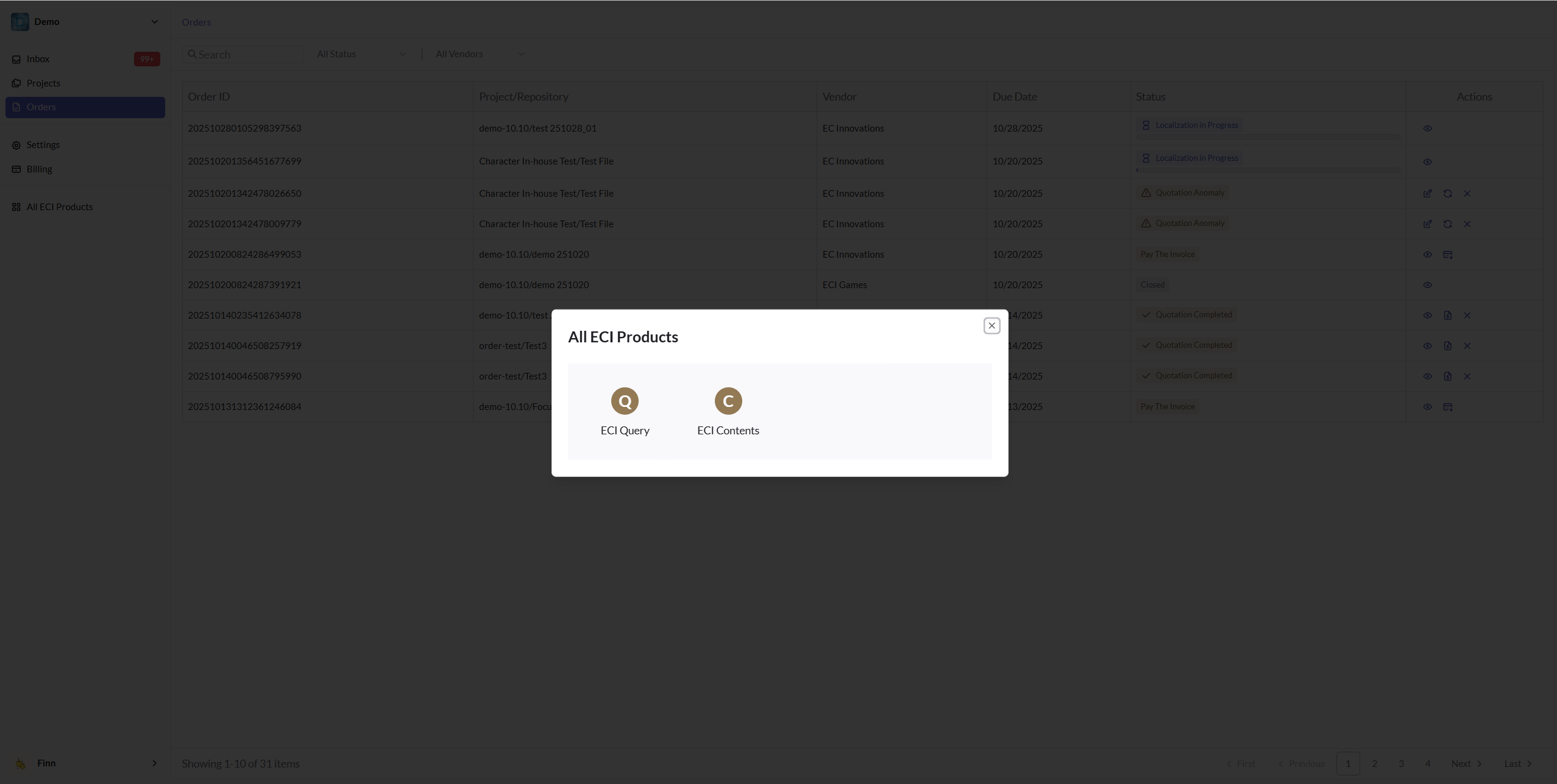
If you have access to the Query system, click the All ECI Product menu in the left sidebar. A popup window will appear as shown below. Click ECI Query to jump to the Query system. You can also directly access Query through the link https://query.eciflow.net
Create a Query Project
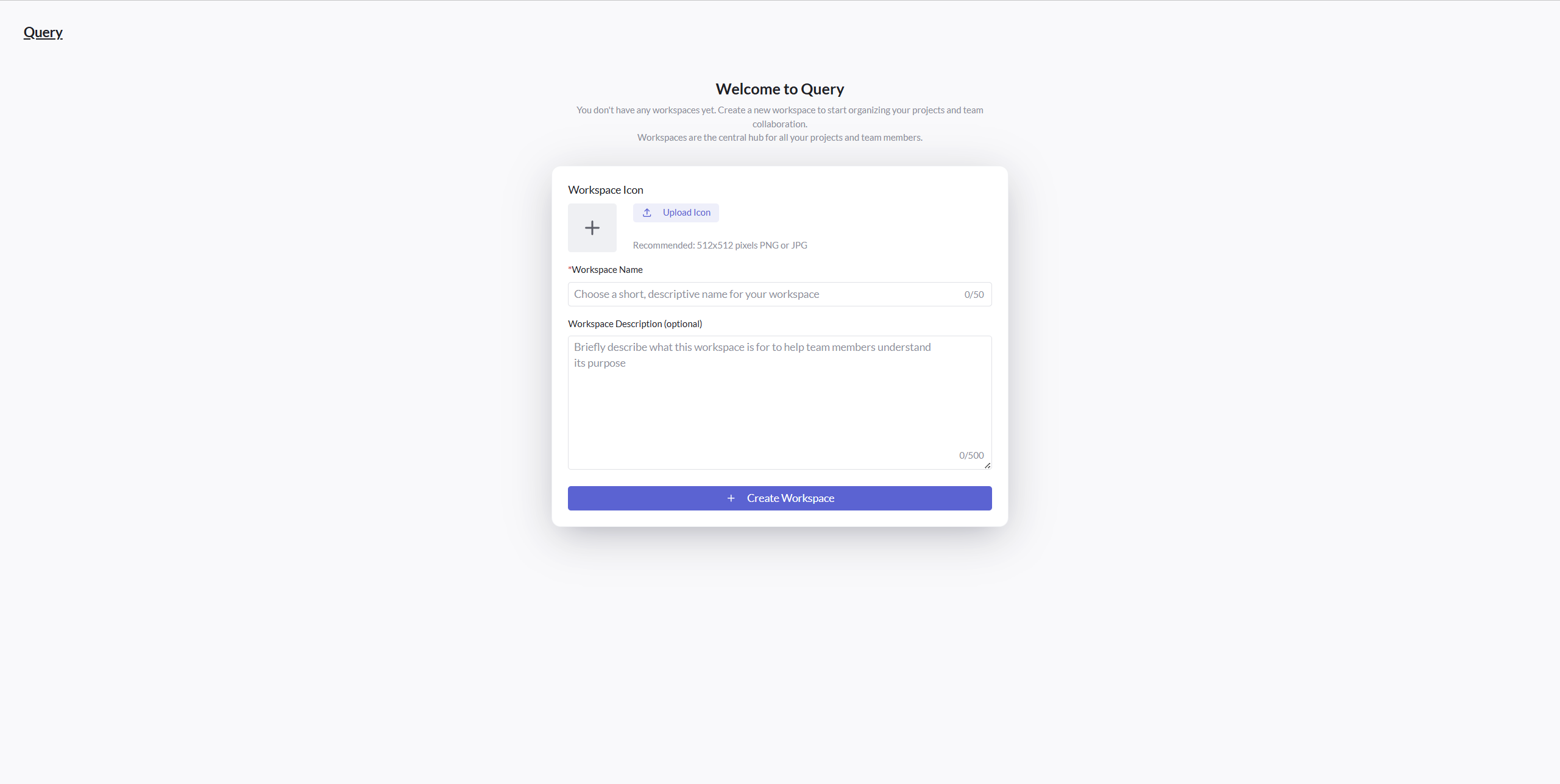
When you first access Query and haven't participated in any Query projects, you will see a popup window as shown below, prompting you to create a Workspace. A Workspace is a space where you collaborate with others and can be understood as a product line, a game, or a product - each can have its own Workspace created.
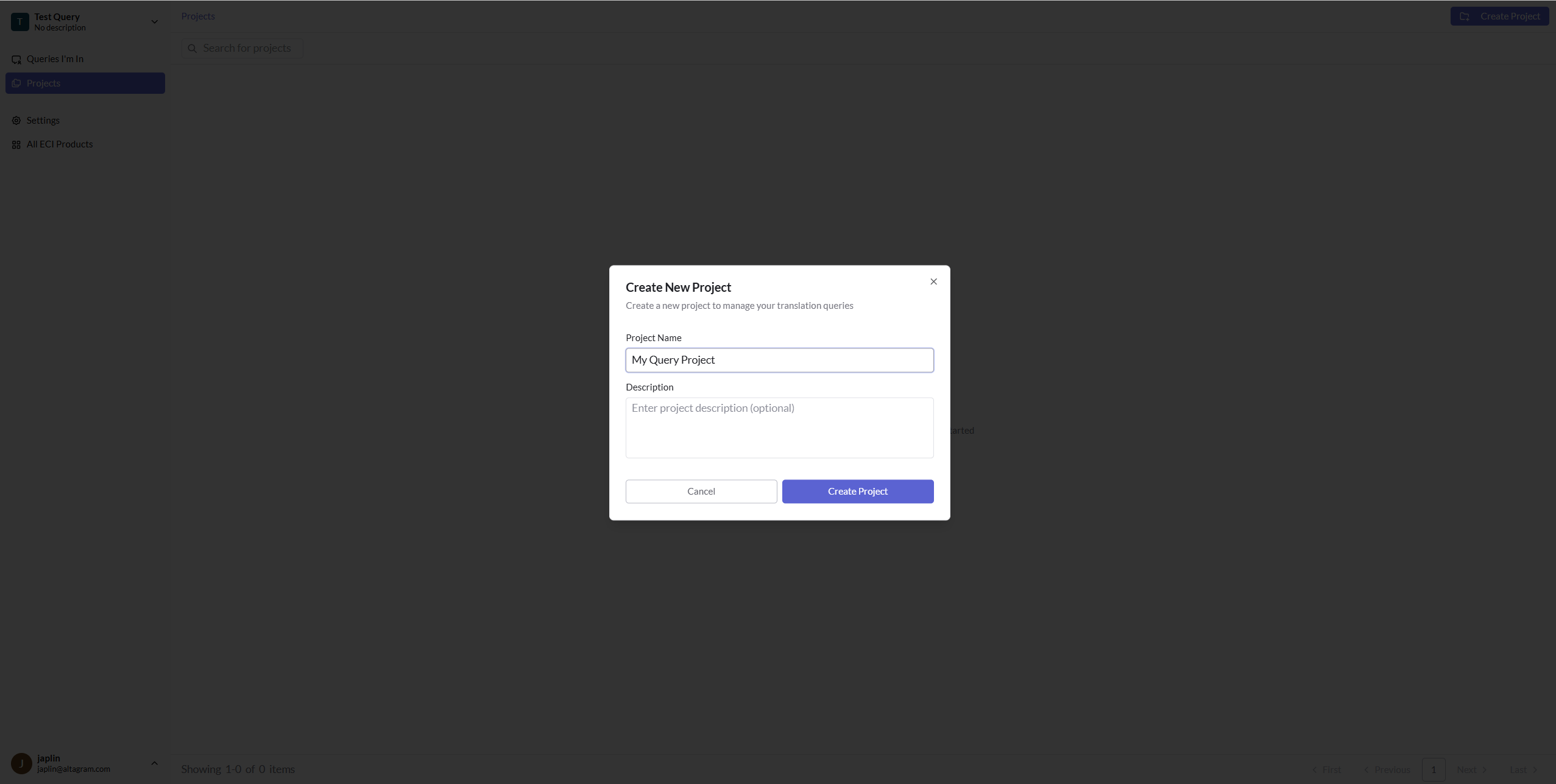
When you enter a Workspace, you can create any Query Project. If you previously used spreadsheets to manage Queries, you can think of a Query Project as a sheet
Link Query to Your TMS Project
When you have any Query Project, you can associate it with your localization project. This is similar to scenarios where you notify everyone to use a specific Google sheet to submit Queries
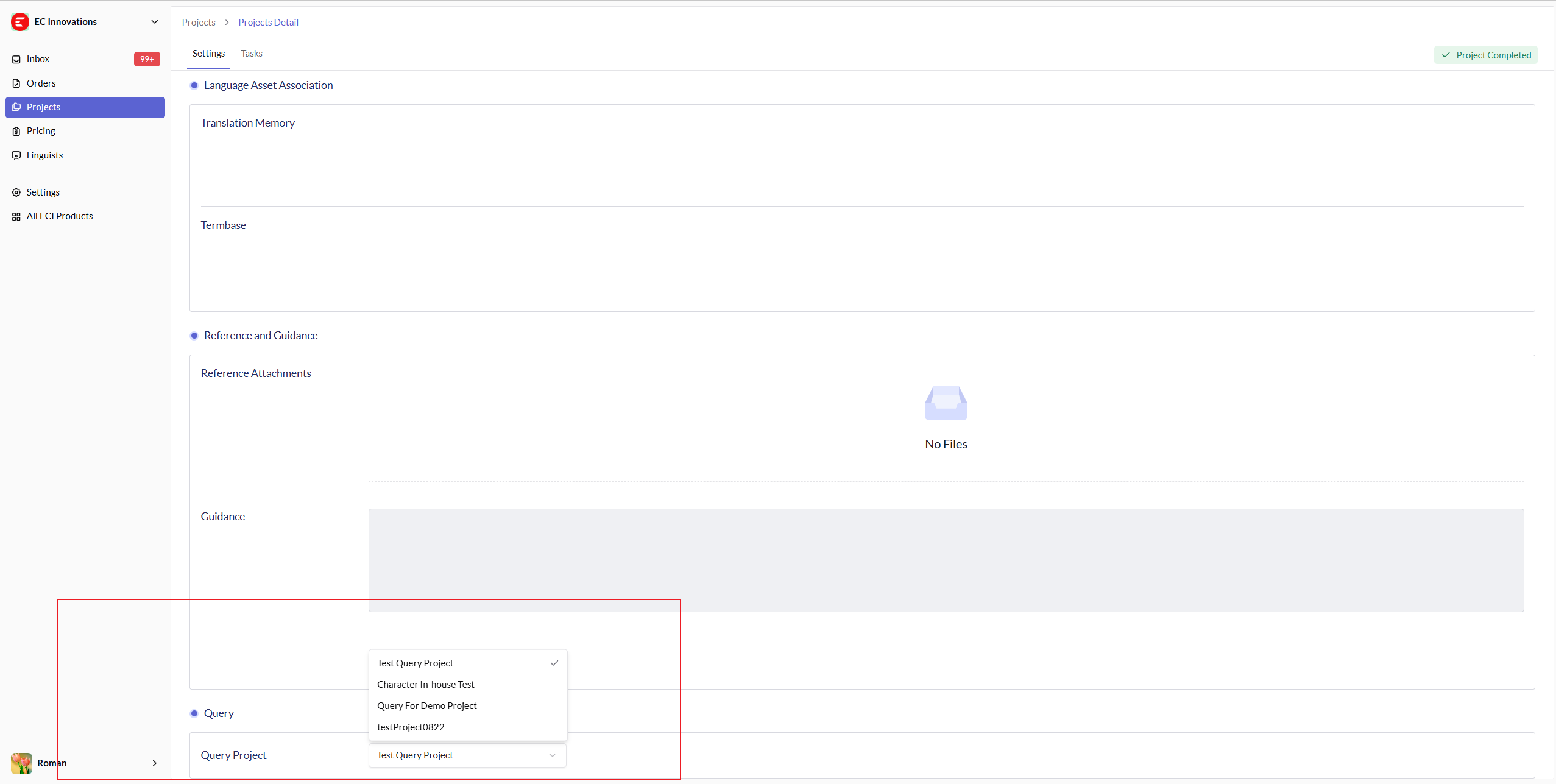
Now Query is ready, and your linguists can start submitting Queries in the CAT tasks associated with this localization project