Create Query in CAT
Overview
The CAT (Computer-Assisted Translation) interface provides seamless integration with the Query system, allowing linguists to create queries directly while translating. This integration streamlines the workflow by eliminating the need to switch between different tools.
Create Query
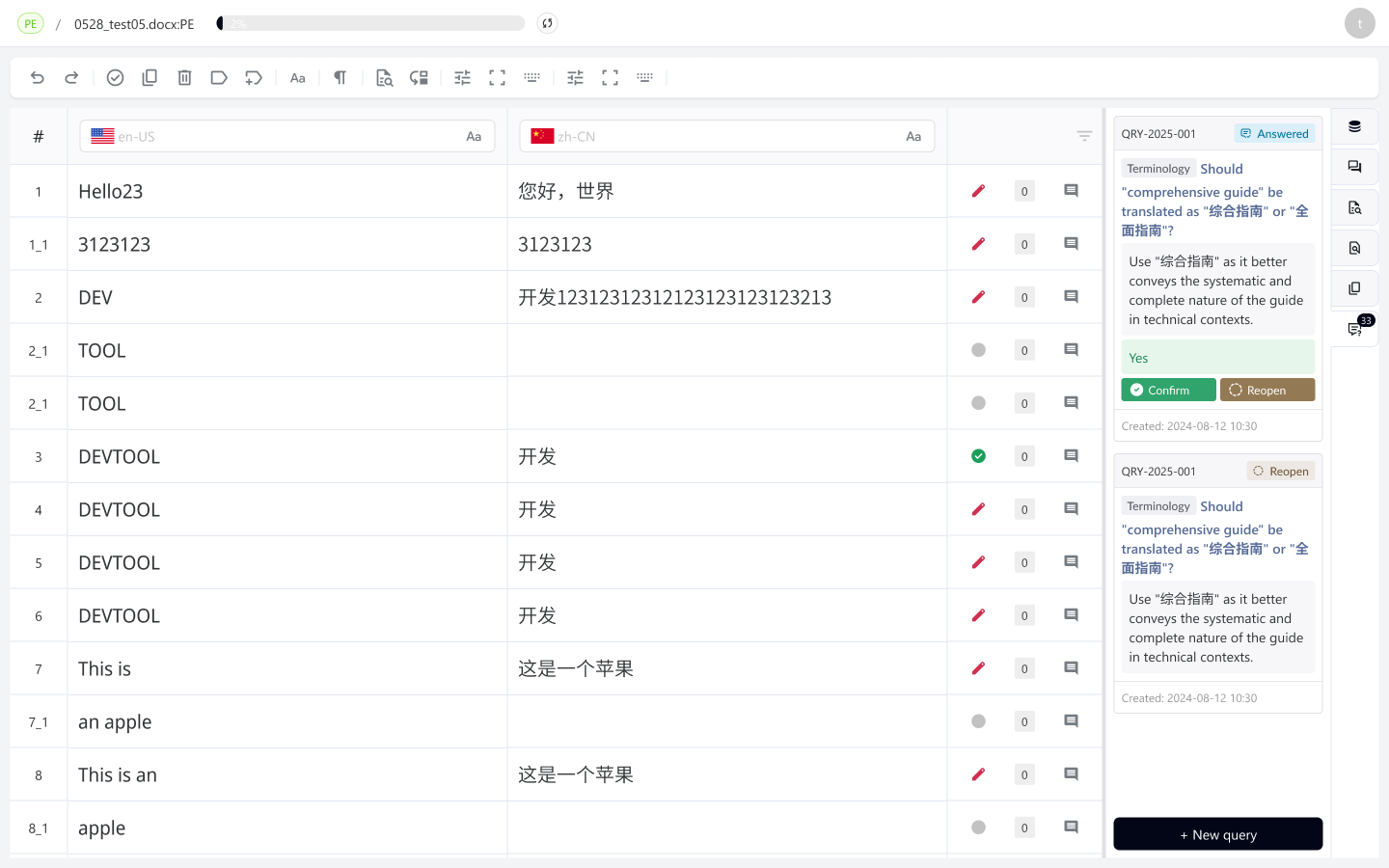
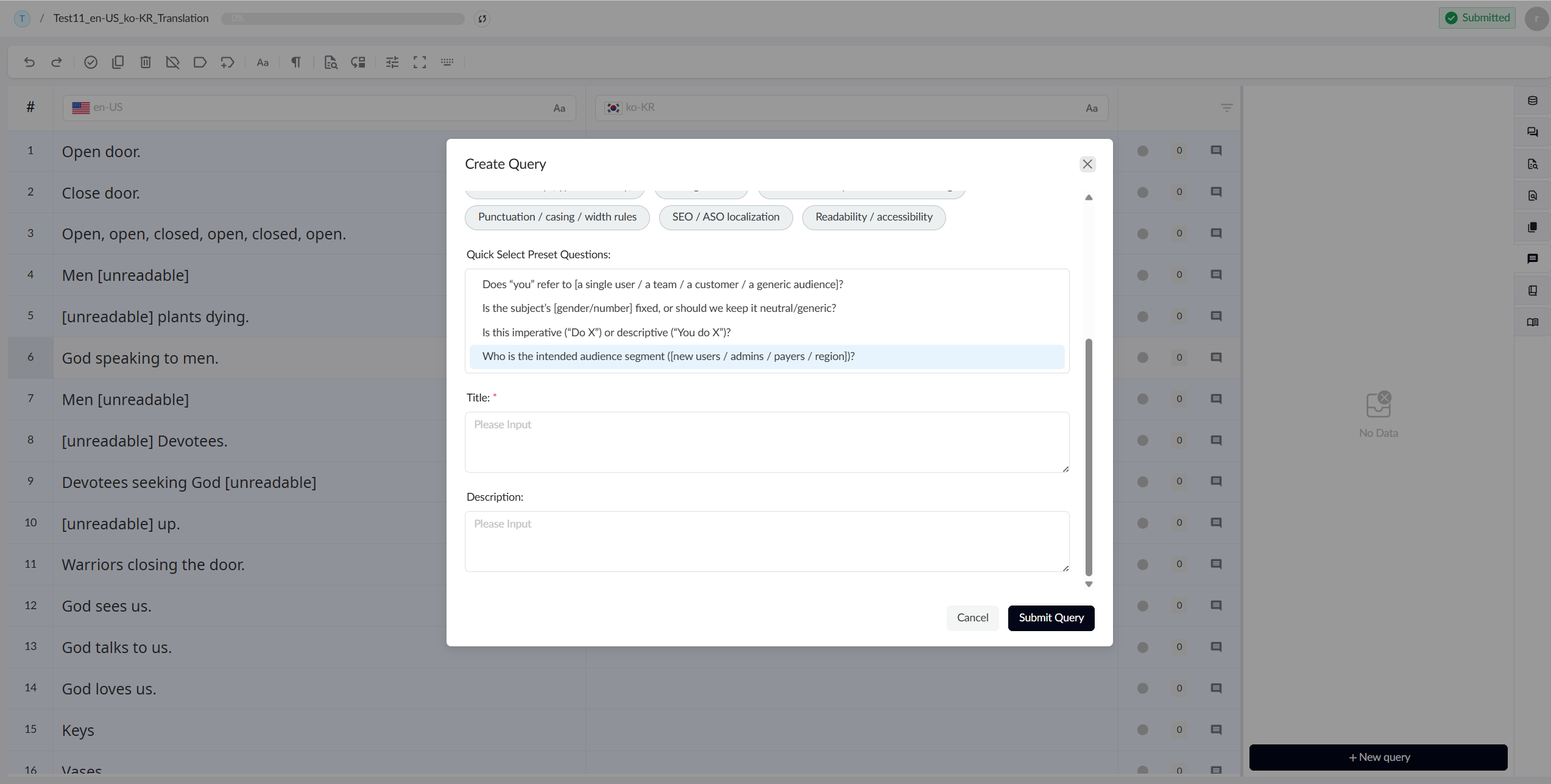
When you enter CAT as a linguist, click on any segment, and in the Query Tab on the right side, you can initiate a Query based on that segment. We have preset some common questions, and you can also provide detailed descriptions of your query to help responders understand your question better. Once you complete the creation, the Query will enter processing status, and you can continue with other operations while waiting for responses from Query stakeholders
Confirm or Reopen Query
When your Query receives a response, you can choose to confirm or reopen it. Confirm means the answer has resolved your query, while reopening requires you to provide a reason to the responder to help them re-answer your question